
Browse. Download. Play together.
 turns your ROM site into a game library.
Browse a site's games with your controller, search its catalog, and download only what you want to play. Give our prompt and the site address to your coding agent, then import the plugin it makes. GameBEX handles the download, disc prep, and emulator setup. Your phone doesn't need to hold the whole catalog.
Built and tuned on a roughly $30 Moto G 2025 from Walmart. Add a second phone for supported local co-op over Wi-Fi. Compatible sites only; account-only sites aren't supported.
- Browse a ROM siteTurn a compatible site's catalog into a library you can browse with your controller.
- Play on two phonesThe host runs the game. The other phone receives picture and sound and sends player two's controls back.
- Works on a ~$30 phoneBuilt on Walmart's Moto G 2025. One setup command removes carrier clutter and installs GameBEX and Shizuku.
- Download, set up, playDownloads, disc prep, emulator installs, and supported controller setup in one flow.
We supply the prompt, not the ROMs. Only download games you legally own and have the right to download. Your source, your responsibility. At your own risk. ;) Phone price and stock vary; controller and microSD are extra.
System · Device
Game sources
No sources yet
Import source?
ROMS-I-Own.com · v1.0
ImportCancel
Discover
ROMS-I-Own.com- SNESKid Comet 2
- GenesisMetro Striker
- PlayStationStar Rally '97
- Game Boy AdvanceHarbor Night
- Nintendo 64Skyline Rescue
- DreamcastCoral Coast Racing
- PlayStation 2Iron Gauntlet
- SaturnDelta Circuit
Star Rally '97 PlayStation
PlayStation · ROMS-I-Own.com
Star Rally '97
Ready
PlayStar Rally '97
Press start
GameBEX was built on a $30 phone.
The moto g 2025 is about $30 at Walmart with no plan required, and it has a 120 Hz screen, a microSD slot, and a headphone jack. GameBEX was built and tuned on that exact phone, so add a GameSir X5s (often $15-20 refurbished on Amazon) and it runs everything up to Dreamcast and PSP.
One-command setupPhone price and stock vary.
Browse the site's catalog in GameBEX.
Pick a compatible ROM site, copy the prompt, and let your coding agent build its JSON plugin. Import it and the catalog appears in Discover. Reuse the same prompt for other sites; each gets its own plugin. The site needs public pages the plugin can read; support depends on how the site works.
Browse the catalog without downloading every game. Download a game when you want to play it, and remove its local files from the game page when you need the space.
Play together on two phones.
Stream sends the host's game picture and sound to a second phone, and brings player two's controls back. Only the host needs the game and emulator; the joining phone just needs GameBEX. Play supported local two-player games across systems, even without native netplay. Both phones stay on the same Wi-Fi.
Press 2P to invite a friend. Where a native mode is available, choose Use Stream instead. The Stream host needs Android 13+ and Shizuku; the joining phone needs Android 10+. RetroArch netplay, Game Boy link, and PSP ad hoc are available too.
- Host phone
- Your game, its emulator, and player one's controls. Android 13+ with Shizuku.
- Joining phone
- GameBEX and player two's controls. Android 10+; no game, emulator, or matching core needed.
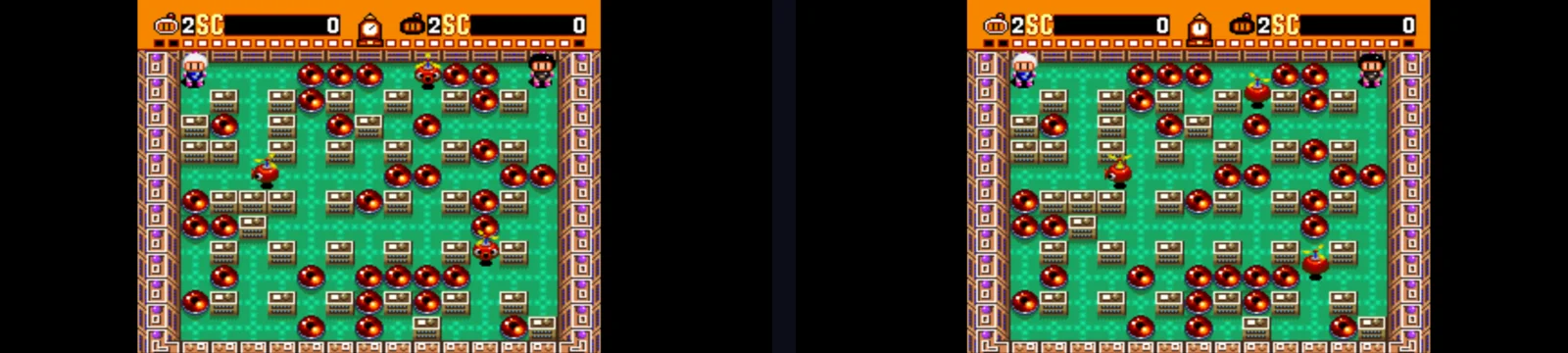
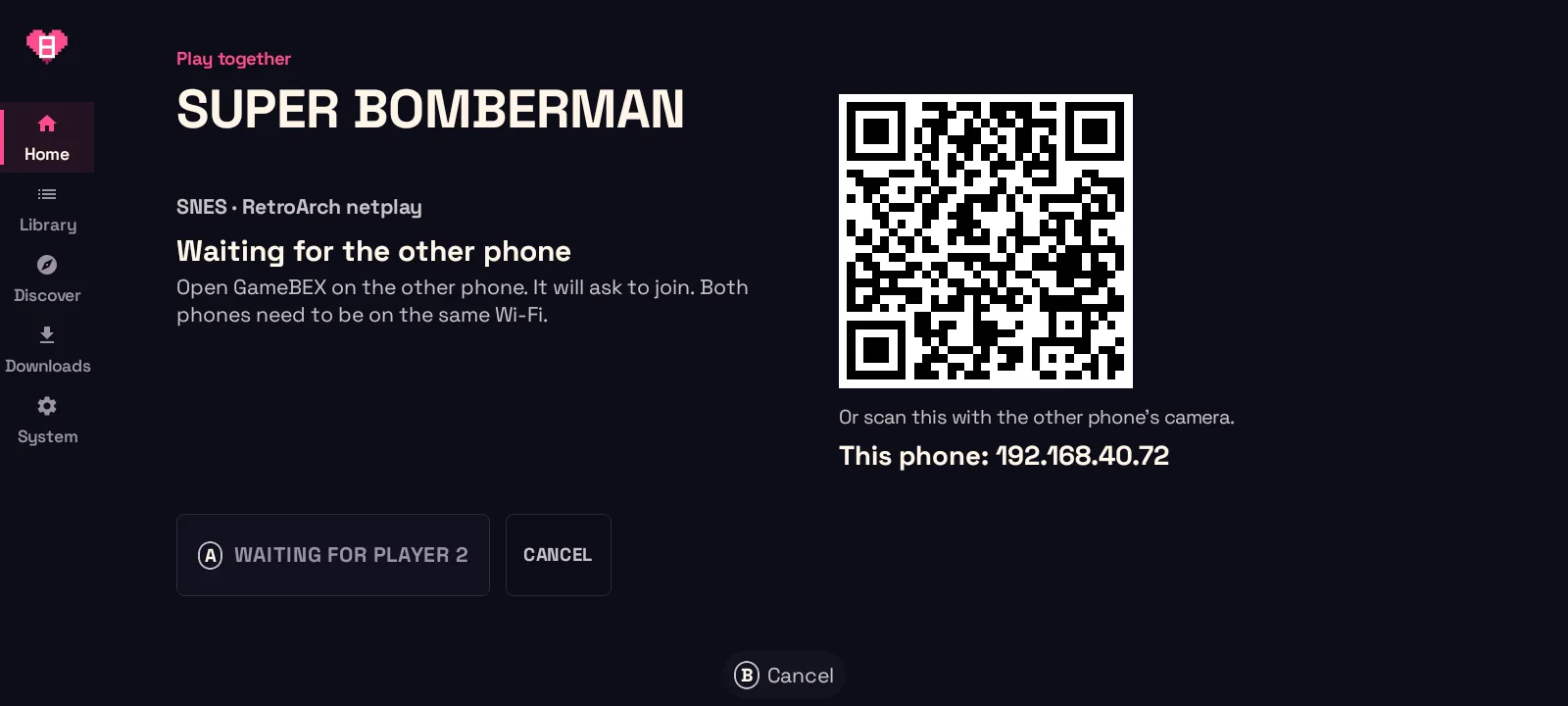
1. HostPress 2P on a game. 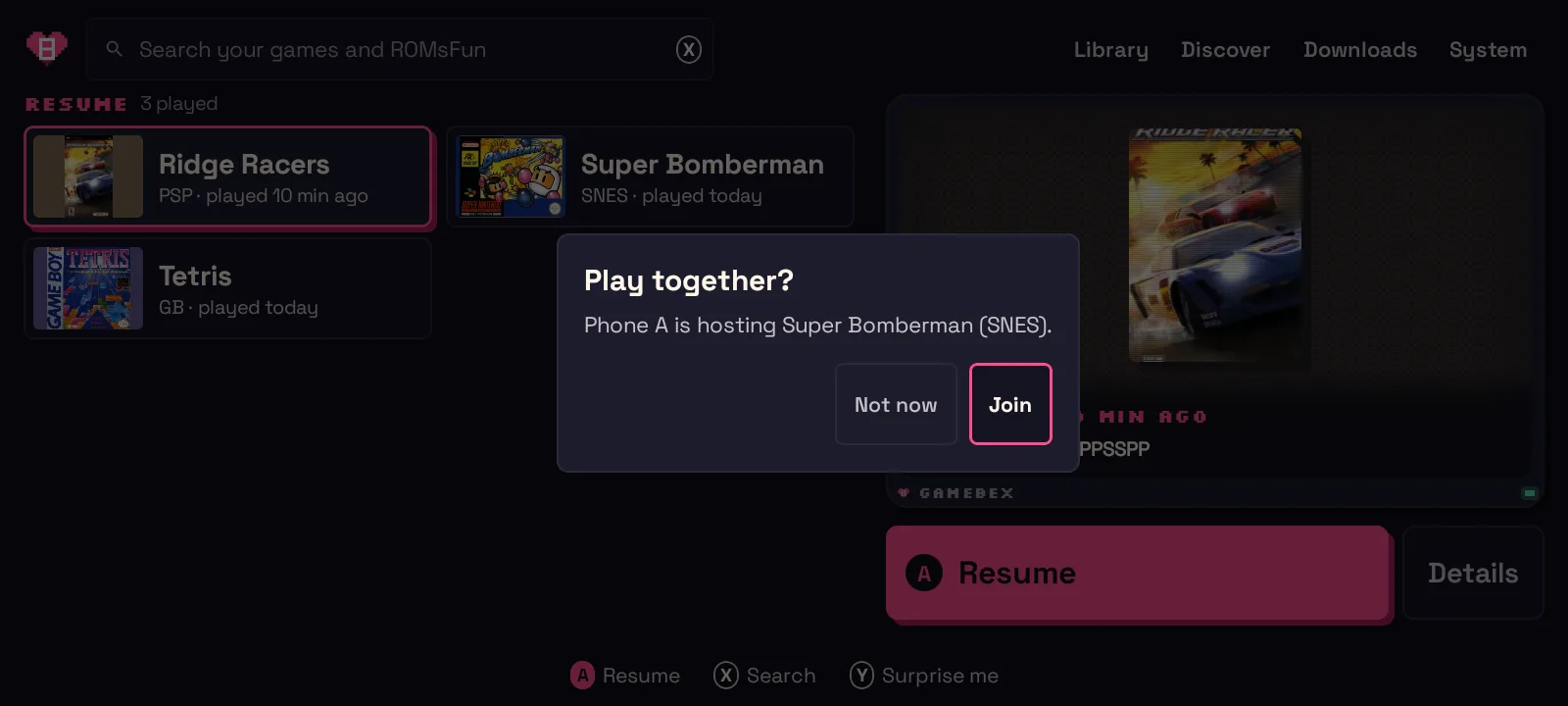
2. JoinThe other phone gets an invite. 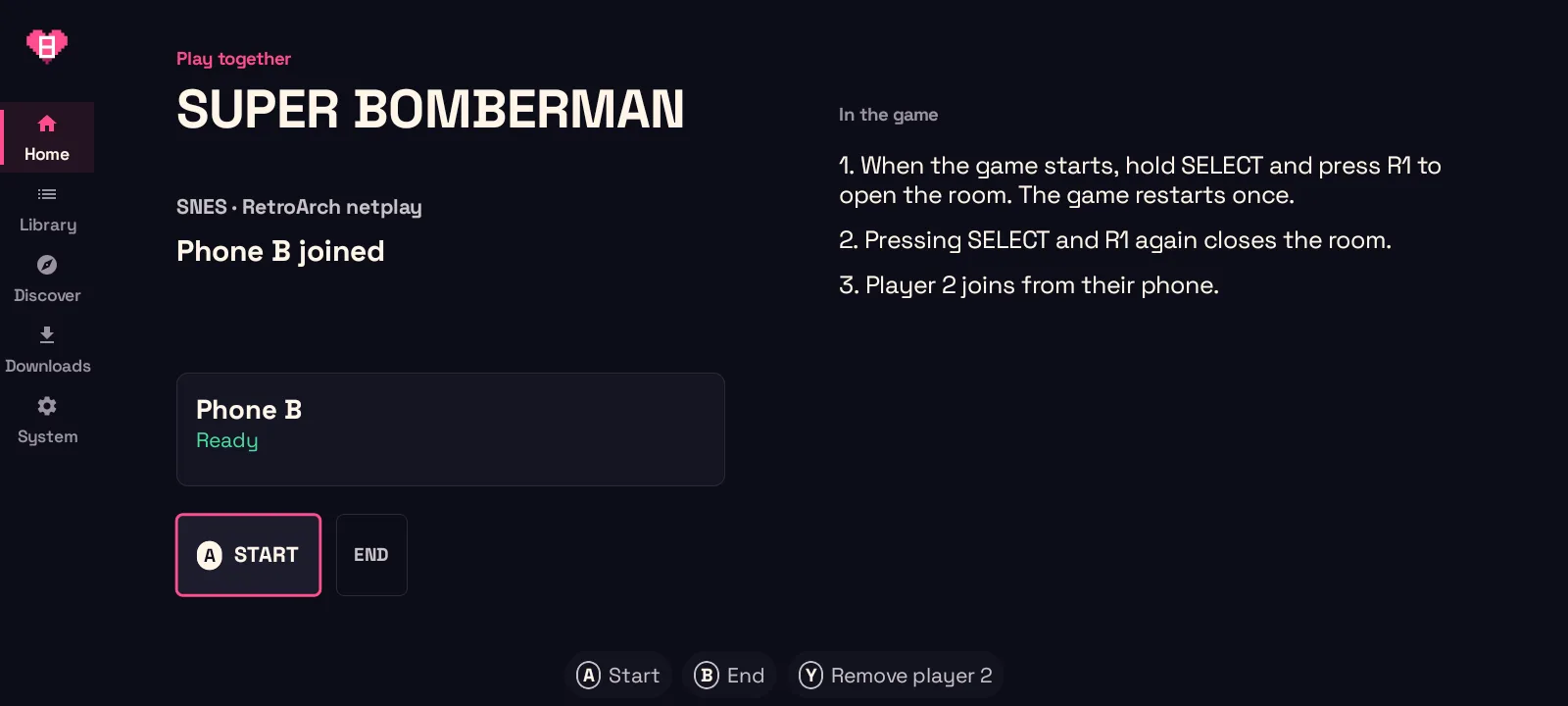
3. StartBoth ready: press START.
Install emulators. See what each game needs.
GameBEX picks an emulator for each of its 54 playable systems. Open System to install it or follow its download link. RetroArch cores download when needed, and GameBEX suggests settings for your phone's CPU and RAM. With Shizuku running, it can also close other emulators before a launch to free up memory.
GameBEX sets up your controller in RetroArch, and Vita3K reads it natively. Flycast, Dolphin, and NetherSX2 need Shizuku, a free helper app, for GameBEX to change their settings. Dolphin and NetherSX2 also need a one-time mapping step in their own menus.
If a game needs a BIOS file or disc preparation, its page shows Finish Setup and lists what's missing. Press it to run the setup steps GameBEX supports.
Game performance depends on your phone and the emulator.
GameBEX runs 54 systems, most of them in RetroArch.
Pick a system to see which emulator runs it and which folder its games go in.
RetroArch46
GameBEX picks the core, so you never see RetroArch's Load Core menu.
NetherSX21
You can switch PS2 to ARMSX2 if you prefer it.
Vita3K1
Vita games get installed inside Vita3K itself, and GameBEX shows you the steps.
ScummVM1
J2ME Loader1
Old Java phone games run in J2ME Loader.
Installs as an app1
OUYA games are Android apps, so GameBEX installs them like any other app.
Dolphin2
PPSSPP1
Folder names and file types for every system are in the docs
Give your coding agent the site address.
The agent reads the plugin schema, studies the site, and gives you one JSON file to import. A plugin can't log in, so sites that need an account won't work.
Replace ROMS-I-Own.com in the prompt below with your ROM site.
Only use a site you have the right to use, and only play games you own.
Copy the prompt into your coding agent
Import the file in GameBEX
System›Device›Game sources
You are building a GameBEX source plugin for ROMS-I-Own.com. Only do this for a site you have the right to use this way; the plugin is yours and GameBEX does not review or endorse it.

A GameBEX source plugin is ONE data-only JSON file (schemaVersion 1, strict UTF-8, max 1 MiB, no code). Read these first, from the GameBEX repo (https://github.com/jeffnash/GameBEX):
- docs/source-schema.md (the definition language)
- source-runtime/src/main/resources/source.schema.json (machine schema)
- source-runtime/src/test/resources/synthshop.source.json (a complete working example)

Then:
1. Study ROMS-I-Own.com's public pages/API. Find how to list consoles, browse, search, show a game's detail and file variants, and get a download link.
2. Write `<id>.source.json` with:
   - id [a-z][a-z0-9._-]* (not starting with "builtin")
   - name, author, version
   - requires ["http-v1","expressions-v1","catalog-v1"] (add "assist-v1" only if assist.enabled is true)
   - origins: the exact HTTPS hosts per purpose (catalog / download / artwork / assist), as https://host with the default port and no credentials. Anything not listed is blocked, including redirect hops.
   - platforms: map the site's platform slugs to GameBEX folder ids.
   - all 8 operations: consoles, types, latest, browse, search, detail, variants, resolveDownload. Each is built from request steps plus expressions (ref, html, select, text, attr, map, json, get, concat...).
3. Rules the validator enforces:
   - unknown fields are rejected
   - no cookie/authorization/host/content-length/connection/range headers
   - no regex CSS selectors (:matches... or [attr~=regex])
   - expressions nest at most 64 deep
   - the plugin never chooses file paths, folders, or volumes; GameBEX does
4. Save a few real responses as fixtures and check every operation's output against them. Iterate until the definition validates (run the runtime's DefinitionValidator via `./gradlew :source-runtime:test` or a small test).
5. Hand me the JSON file and a list of the origins it requests. I'll import it on my phone via System → Device → Game sources → Import source and review it before confirming.
Show the full promptShow less
Install GameBEX 1.0.0
GameBEX isn't on the Play Store, so you sideload the APK, which takes a few minutes.
Your phone needs
- Android 8.0 or newer (Android 11+ recommended)
- A 64-bit ARM phone
- Landscape only (there's no portrait layout)
- A controller, though touch works
- Shizuku for the full controller setup (optional)
- 01Download the APK
- 02Allow the installAndroid asks you to allow installs from your browser or file manager.
- 03Grant All files accessGameBEX needs it to read your game folders.
- 04Add your games or a pluginPoint it at a folder, or import a plugin.
- 05Install emulators from SystemThe System screen lists the emulators your games need.
- Play